7 min read
Disclosure: As an Amazon Associate and eBay Partner Network publisher, we earn from qualifying purchases. This doesn’t affect what we recommend or how we describe it.
Your phone buzzes: “Dentist, 2pm.” You squint. Was that today? You swipe it away, only to forget again. Sound familiar? If you’re constantly battling a calendar full of missed appointments and to-do lists that vanish into thin air, you’ve probably wondered if digital planners are actually worth it — or just another failed experiment in your quest to show up on time. This guide unpacks what real forgetful, busy, and easily-distracted people need to know before buying a digital planner (or any planner, really), so you can finally pick a system that helps you remember the important stuff — not just add more guilt to your week.
Digital planners, paper planners, and reminders: what actually helps you remember?
| Format | Reminder Capacity | Sync Across Devices | Custom Alerts | Battery/Power Needs | Price |
|---|---|---|---|---|---|
| App-based Digital Planner | Up to 500 events | Yes (phone, tablet, desktop) | Push, sound, snooze (5–60 min) | Phone/tablet battery | $$ |
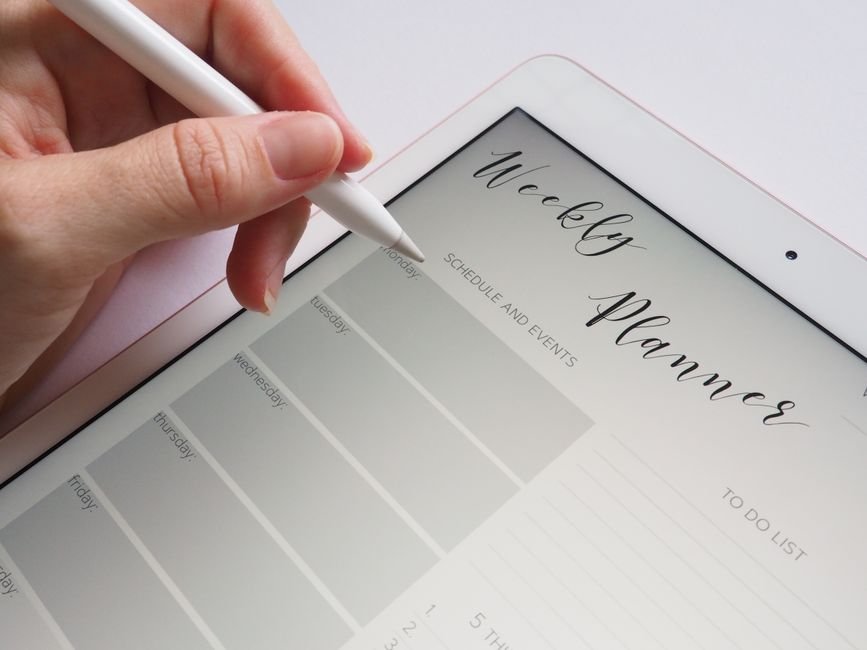
| PDF Digital Planner + Stylus | Unlimited (manual entry) | Sometimes (cloud sync if supported) | Manual — no automatic alerts | Tablet battery | $$$ |
| Paper Planner | 365 days (1 year) | No | No — needs manual checking | None | $ |
| Simple Reminder App | Up to 200 reminders | Usually (cloud sync) | Vibration, sound, pop-up | Phone battery | $ |
What makes a digital planner genuinely useful for forgetful types?
For people who lose track of time or struggle to remember appointments, a planner isn’t just a notebook — it’s your external brain. But not every digital planner is created equal. The best ones do more than look pretty on your screen: they nudge you when you’re about to forget, let you set up repeating reminders (think: “medication at 8am, every day, forever”), and don’t require you to check them obsessively. A genuinely helpful digital planner lets you:
- Set multiple reminders for one event (e.g., “leave in 1 hour”, “leave in 10 minutes”, “leave NOW”).
- Sync across devices so you’re covered if your phone dies or you’re on your laptop.
- Customize alerts — choose between loud alarms, persistent notifications, or even recurring pop-ups until you acknowledge the task.
- Handle recurring tasks without re-entering them every week.
- Export or back up your data so you don’t lose everything if your device goes belly-up.
Many digital planners promise these features, but you’ll want to check exactly what’s included — some only let you set one reminder per task, or require expensive subscriptions just to unlock basic features. Compare options before you commit.
When a paper planner (or low-tech reminder) is actually better
If you’re someone who loves the feel of pen and paper, or you simply don’t want to stare at another screen, don’t count out a classic paper planner. For some, physically writing things down helps memory far more than typing. Paper planners never run out of battery, can be left wide open on the kitchen counter as a visual cue, and don’t bombard you with updates or app notifications. The catch? They can’t shout at you when you forget to look — so if your main problem is “out of sight, out of mind,” paper may let you down unless you pair it with sticky notes or a physical timer.
Some people find a hybrid approach works best: jot down the big stuff in a paper planner, but use a simple reminder app for time-critical things like “pick up the kids at 3:15” or “take meds at 9pm.” If that sounds like you, see today’s deals on simple digital reminders that pair well with paper.
Common mistakes to avoid
- Assuming every digital planner has alarms. Many digital “planners” are just digital notebooks — they won’t buzz, ping, or alert you unless paired with a separate reminder app. This is a top reason people with ADHD or busy schedules ditch them fast.
- Choosing something too complicated. If it takes 10 taps to add a task, you won’t use it. Overly complex planners get abandoned quickly, especially by those who are already overwhelmed.
- Relying on just one device. If your planner only lives on your tablet, you’re out of luck when the battery dies or you leave it at home. Look for options that sync with your phone and computer, or at least auto-backup to the cloud.
- Ignoring backup options. Some digital planners don’t let you export or back up your data. When your device breaks, you’re back to square one — and possibly missing critical appointments.
- Forgetting about ongoing costs. Many digital planners look free, but require a subscription to unlock reminders, syncing, or even basic functionality. Always check what’s included before you buy.
Related Guides
- Are Digital Planners Actually Worth It? What to Know Before You Buy
- Our guide to Digital Wall Calendars That Are Actually Worth Hanging Up
- Digital Wall Calendars That Actually Help You Stay on Track
- Our guide to Digital Wall Calendars That Actually Help You Stay Organized
- Digital Planners vs Paper Planners: Which Is Right for You?
- The Best Digital Countdown Timers for Busy and Forgetful People
FAQ: Digital planners and real-life forgetfulness
Will a digital planner actually help me remember appointments if I never remember to check it?
Only if it has built-in reminders or alarms that actively notify you. Look for planners that let you set multiple alerts per task and that nag you until you respond. Otherwise, it’s just a digital notepad — easy to ignore, just like that paper calendar you never open.
How many reminders can I set in a typical digital planner?
Most app-based digital planners allow at least 100–500 reminders, but some free versions cap you at 10–20 events before requiring an upgrade. Check the fine print — if you need to track lots of little tasks, make sure your planner supports bulk reminders and recurring events.
Digital vs. paper planner: Which is better for easily-distracted people?
For folks who need a nudge to remember, digital planners with persistent alarms win out — they can buzz, vibrate, or pop up until you respond. Paper planners are great for visual thinkers or those who benefit from writing things down, but they won’t poke you if you forget to look. Many people find a hybrid system works best: digital for time-sensitive alerts, paper for big-picture planning.
Is there a risk of losing all my data if I use a digital planner?
Yes, if your planner doesn’t back up automatically or allow exports. Always pick a planner that syncs to the cloud or lets you export your schedule as a PDF or spreadsheet. That way, if your device breaks or gets lost, you can restore your plans quickly.
How much battery does a digital planner app drain?
Most digital planner apps use minimal battery — typically less than 5% per day — unless they run constant background alarms or sync very frequently. PDF planners on tablets can be more draining, especially if you keep the screen on for long periods. Choose a simple reminder app if battery life is a big concern.
What if I need to set reminders for things weeks or months ahead?
App-based digital planners and most reminder apps let you schedule events months (sometimes even years) in advance. Check that your planner lets you set repeating reminders and doesn’t limit future dates — some basic apps only allow scheduling a few weeks out. View what’s available to find planners that cover your full calendar.
How to know if a digital planner is worth it for you
The best digital planner is the one you’ll actually use. If you’re easily distracted or have a history of missing appointments, prioritize planners with persistent, customizable reminders, simple interfaces, and cloud backup. Don’t get sucked in by fancy templates or endless customization if you just need something that will reliably buzz you when it’s time to do the thing. For many forgetful types, a straightforward reminder app or a digital planner with robust alert options works best. Still on the fence? Try a free version first, or combine a basic planner with a dedicated reminder tool — no shame in mixing and matching what gets you out the door on time.
For a deeper dive into strategies for remembering (and showing up), the Psychology Today section on memory and organization offers practical, science-backed tips. And remember: the best planner is the one that helps you remember, not the one that just looks good gathering digital dust.


Still going to forget, aren’t you?
DontForget is a free Telegram reminder app that doesn’t ping once and give up — it hounds you (in a tone you choose, from gentle to brutal) until you actually do the thing. Nothing to download; it runs right inside Telegram.
Try DontForget free →Last updated: July 2026 · About our research